
Goal: create a useful YouTube video with AI without trying to make one tool do everything. This workflow separates research, scripting, visuals, editing, captions, and final human review so you can choose the right tool for each job.
The workflow at a glance
- Define the audience and the result you want from the video.
- Research the topic and collect trustworthy source material.
- Create and review a concise script.
- Prepare visuals, voice, music, or screen recordings.
- Assemble and edit the video.
- Create the title, thumbnail, description, and captions.
- Review everything before publishing.
Step 1: Start with the viewer’s question
Do not begin by choosing an AI video generator. Begin with the question your viewer wants answered. For example: “How can a beginner create a YouTube video with AI?” Write down the intended audience, the problem, the promised outcome, and the approximate video length.
Step 2: Research before you generate
Use research or search tools to collect facts, examples, terminology, and source links. Check important claims against reliable primary or authoritative sources. AI can help organize information, but generated text should not be treated as proof simply because it sounds confident.
Step 3: Build a simple script
Ask an AI writing assistant for an outline first, then turn the approved outline into a script. A practical structure is: hook → problem → promise → main steps → example → recap → next action. Keep the language natural and remove claims you cannot verify.
Useful prompt: “Create a clear YouTube video outline for beginners about [topic]. Focus on one practical outcome, use short sections, identify claims that need verification, and avoid inventing facts.”
Step 4: Plan the visual track
Turn each script section into a visual instruction. Decide whether the viewer needs a screen recording, an AI-generated image, stock footage, a diagram, a talking-head shot, or simple text. This prevents the common problem of generating attractive visuals that do not actually explain the content.
Step 5: Assemble and edit
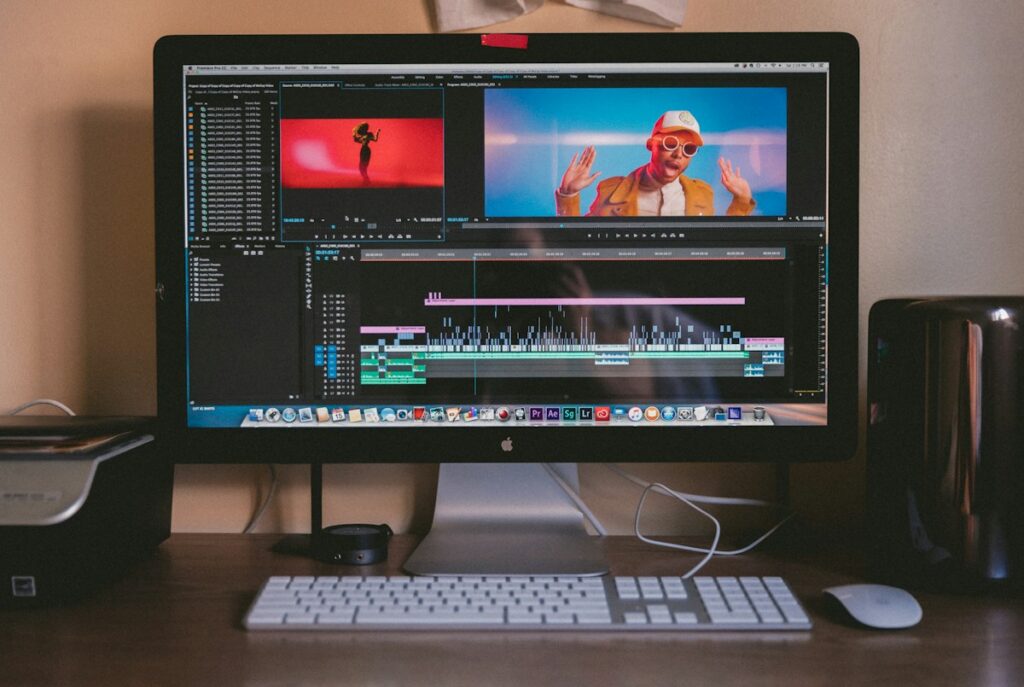
Choose an editor that matches your workflow. AI-assisted editors can help with captions, silence removal, resizing, scene suggestions, and other repetitive tasks. Keep human control over pacing, factual accuracy, pronunciation, visual relevance, and the final cut.
Step 6: Prepare the publishing package
Create a title that clearly describes the viewer’s benefit, a thumbnail that communicates one idea, a useful description, chapters when appropriate, and accurate captions. Avoid stuffing keywords into the title or description. Clarity is more useful than repetition.
Step 7: Run a human review
- Are the important claims accurate?
- Are sources or references included where needed?
- Does every visual support what is being said?
- Is the voice natural and understandable?
- Are captions synchronized?
- Does the opening quickly explain why the viewer should continue?
- Are there copyright, privacy, or disclosure issues to resolve?
Choosing the right AI tools
You rarely need one “magic” AI video tool. Start from the task and choose tools that fit each stage. AIToolSee’s YouTube creator resources can help you compare tools for scripting, visuals, editing, captions, research, and channel workflows.
A beginner-friendly stack
A simple stack can contain one research assistant, one writing tool, one image or visual tool, one video editor, and the platforms you already use for publishing. Add another tool only when it solves a specific problem. Fewer well-understood tools are often easier to maintain than a large collection of overlapping apps.
Worked example: make a five-minute beginner tutorial
Imagine you want to explain one beginner task in a five-minute video. Keep the scope narrow: one question, one demonstrated solution and one clear next step. Gather two or three reliable sources, record the steps in a test environment, and write a script that matches what you can actually demonstrate.
| Stage | Concrete output | Acceptance check |
|---|---|---|
| Research | Source list and verified steps | Every important claim matches a source or direct test |
| Script | Hook, steps, example and recap | Fits the target duration when read aloud |
| Visual plan | Screen recording or relevant visual for each step | Every visual explains the spoken point |
| Edit | Rough cut with voice and captions | No missing steps, confusing cuts or caption errors |
| Publish | Title, thumbnail, description and final video | Promise matches the actual content; rights and sources checked |
Before publishing, ask a person who has not seen the draft to follow the tutorial using only the video. Note where they pause, misunderstand a step or need extra information. Fix those points before spending time on more effects or additional AI tools. This small usability test often reveals more than generating another version of the script.
Frequently asked questions
Can AI make a complete YouTube video without review?
AI can assist with several production steps, but you should review factual claims, pacing, visuals, captions, permissions and the final viewer experience before publishing.
Which AI tool should I choose first?
Start with the bottleneck in your current process. If research is weak, improve sourcing first; if editing takes too long, test an editor on a short representative clip. Compare the result and review effort before adding another subscription.
What to do next
If you already know what you want to create, use the AI App Finder and describe the goal in ordinary language. If you are comparing several options, start with our tool-selection guide. The objective is not to collect AI tools; it is to build a workflow that produces a useful result.